
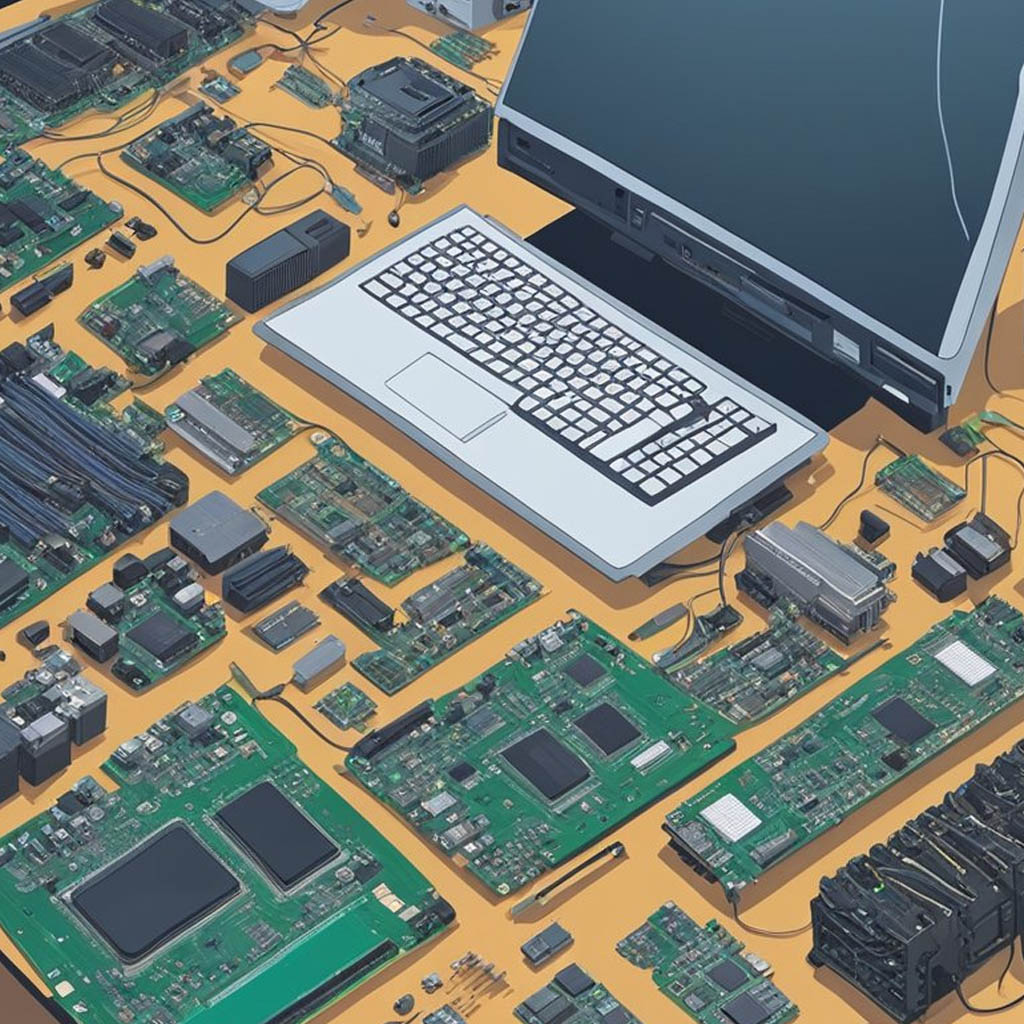
A broken laptop is still worth handling the right way. Get your data off it (or destroy the drive), then sell it for parts, trade it in, or recycle it as e-waste. Even a dead laptop has parts and metal worth recovering, so it should never go in the trash.
First figure out how broken it really is. Many “dead” laptops just need a small fix, and the rest still have value in pieces. Here is how to decide.
Step 1: Protect Your Data
Before the laptop leaves your hands, deal with the hard drive. If it still powers on, back up your files and erase the drive with a factory reset. If it will not turn on, remove the drive and wipe or destroy it. Our guide on old hard drives walks through both.
Step 2: Is It Worth Fixing?
Some common problems are cheap to fix and can make the laptop sellable again:
- A swollen or dead battery
- A cracked screen
- A failed charger or charging port
- A full or failed hard drive that just needs replacing
If the repair costs less than the laptop is worth working, it may be worth fixing or paying a shop to fix. If the motherboard is fried, move on to parts and recycling.
Step 3: Sell It for Parts or Trade It In
- Sell it as-is. List it on eBay or Facebook Marketplace as “for parts or repair.” Hobbyists buy broken laptops for the screen, battery, RAM, and drive.
- Part it out. If you are handy, the RAM, storage, screen, and charger can sell separately for more than the whole unit.
- Trade-in for recycling. Best Buy and trade-in sites often take broken laptops, sometimes for a small credit, and recycle them responsibly.
You can sell salvaged pieces alongside other old computer parts.
Step 4: Recycle What Is Left
Whatever you cannot sell or fix should be recycled as electronic waste. Best Buy, Staples, and city e-waste events take laptops. Keep them out of the trash, since the battery is a fire risk and the metals can be recovered. If it still works after a repair, see our full guide on old laptops.
Frequently Asked Questions
Is a broken laptop worth anything?
Yes. Even a dead laptop has a screen, RAM, drive, and battery that buyers want. You can sell it “for parts” or part it out for more.
How do I protect my data on a broken laptop?
If it powers on, back up and factory reset it. If it does not, remove the hard drive and wipe or physically destroy it before recycling the laptop.
Should I fix a broken laptop?
If the fix (battery, screen, charger, or drive) costs less than the laptop is worth working, it can be worth repairing. A fried motherboard usually is not.
Where can I recycle a broken laptop?
Best Buy, Staples, and local e-waste events accept them. Never put a laptop in the regular trash because of the battery.
Can I sell a laptop that does not turn on?
Yes. List it as “for parts or repair” on eBay or Marketplace. Wipe or remove the hard drive first.